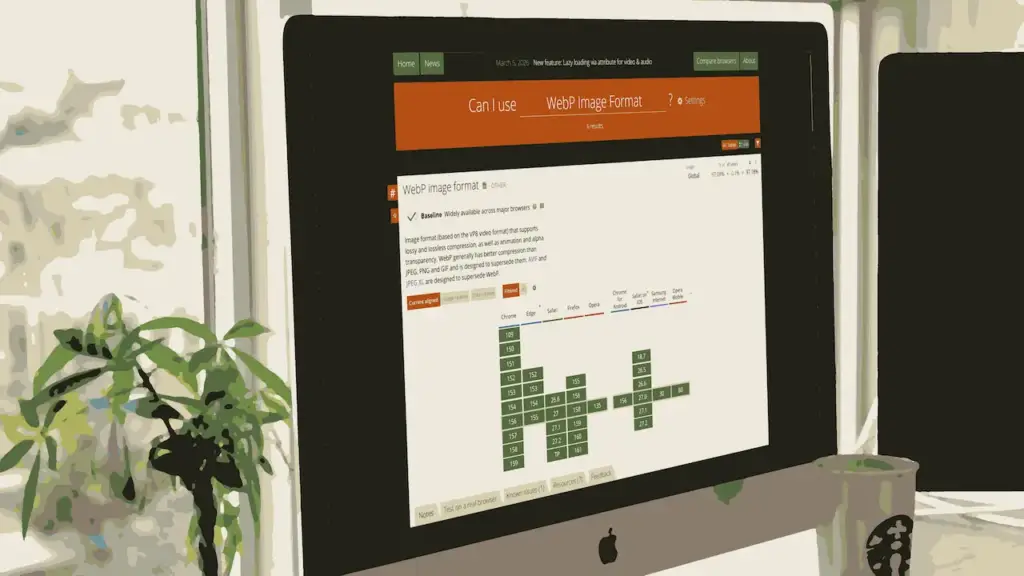
On a typical website, images make up around 60-80% of the data that needs to be transmitted over the Internet. We can significantly reduce the amount of data by adjusting the compression ratio or offering images in a modern format such as WebP
A lighter website loads faster – especially on mobile phones – and the reduction in file size translates directly into lower power consumption and CO2 emissions.
One photo, four compression settings
In the gallery below, you will see four versions of the same 2560×1440 pixels image, compressed at four different settings. Click on any of the images to zoom in. You can also browse the gallery using the left and right arrow keys.


Photos with fine detail and delicate colour transitions are difficult to compress without being apparent. In the example above, the difference is most noticeable on the trees in the centre of the image.
JPEG is good. WebP is better.
By default, WordPress compresses JPEG images to quality 82. By simply lowering this setting to 70, we can reduce the file size considerably without significant visual degradation. If we go a step further and convert the image to WebP format, we can achieve an additional reduction in file size
| File format | File size |
|---|---|
| JPEG-82 | 440 KB |
| JPEG-70 | 312 KB |
| WebP-82 | 254 KB |
| WebP-80 | 203 KB |
Reduced file size compared to the original
Photos are different and that is reflected in how much they take up. Photos with a lot of detail take up more space than photos with a few. Test different compression ratios with your photos and choose a reasonable balance between file size and quality. Here you can see how little the windmill image takes up compared to the original in different qualities:
Many photos are decorative
Many photos are just used for illustration or decoration and are hopefully always scaled down to a size that fits the layout, and always compressed to some degree. If it is essential that a photo is available in full resolution, for example on a photography site like Unsplash, there is a dedicated download button for that purpose. A slightly higher level of compression or conversion to WebP is unlikely to be noticed by the visitor – it would only be because the site loads faster.
Can you use WebP?
Yes, you can, and you should. All modern browsers support WebP. To support very old browsers, you can apply a technique where the website checks in with the visitor’s browser, and if the browser doesn’t like WebP, it’s just served the original JPEG or PNG.
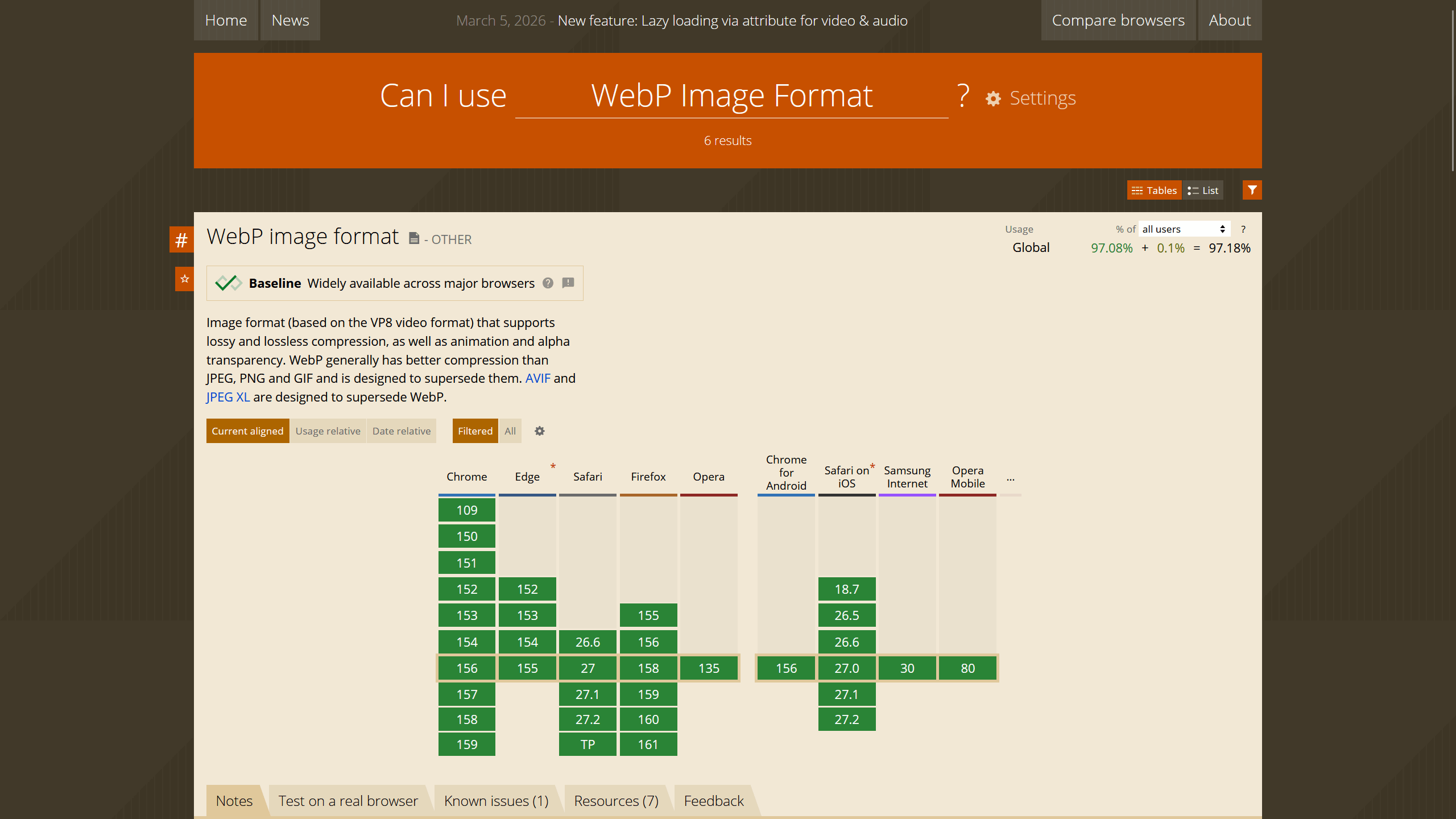
Webp Image format (based on the VP8 video format) that supports lossy and lossless compression, as well as animation and alpha transparency. WebP generally has better compression than JPEG, PNG and GIF and is designed to supersede them. AVIF and JPEG XL are designed to supersede WebP.
caniuse.com